4: Technical Requirements
We are using a web platform called Airmeet. The platform is primarily designed for webinars and online conferences, but we are re-purposing it for both our auditions and online rehearsals.
Much of these technical requirements are common for most virtual meeting platforms, so you should already be familiar with what you need.
WEBCAM & MICROPHONE
You will require both a webcam and microphone to audition and participate in rehearsals. Hopefully, you have had occasion to audition or perform elsewhere virtually and this is not an issue. Headphones are optional but recommended to avoid echo or audio feedback issues.
When auditioning, please do so in a distraction-free, well-lit room. It's best to not be positioned in front of a bright window. You may audition while seated or standing.
BROWSER
Airmeet is best experienced on a Chrome browser (version 79 or higher) on a laptop or desktop.
Download the latest version at https://www.google.com/chrome
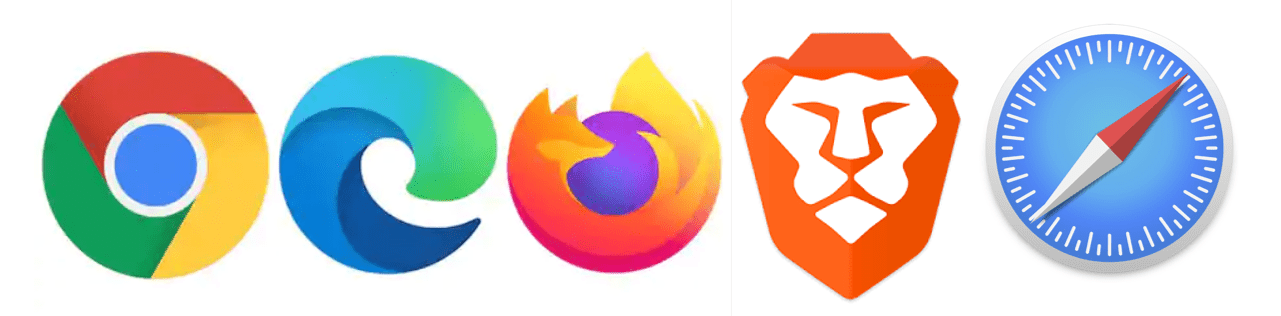
Supported browsers are as follows;
- Chrome (version 79 or higher) (Recommended)
- Microsoft Edge (all versions)
- Firefox (Version 76 or higher)
- Brave Browser
- Safari (but with limited access & known compatibility issue)
NOT Supported browser/version by Airmeet are :
- Chrome (Version 78 or under)
- Firefox (version 75 or under)
- Internet Explorer
- Opera
